Observation
Screens pull attention forward
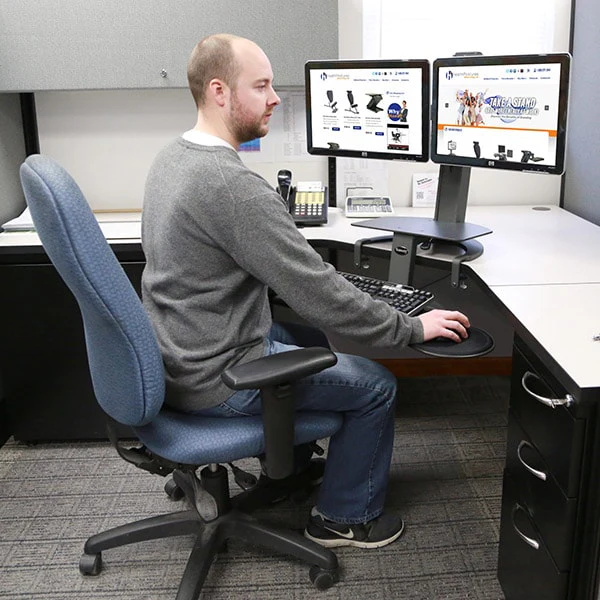
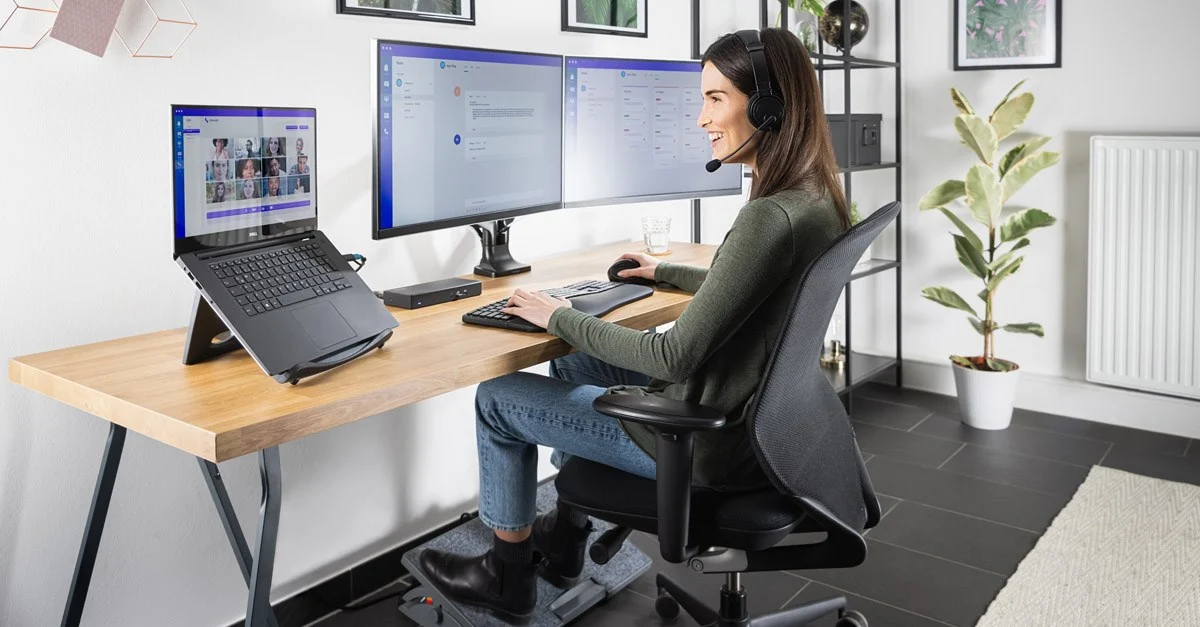
When a display sits too low or too close, the neck often tilts for long stretches. Raising the screen so the eyeline meets the upper third of the panel is a common starting point.
Field notes for screens in New Zealand
These pages collect plain-language observations about how people arrange chairs, screens, and keyboards while working with computers. Nothing here replaces professional advice; it is a reference you can adapt slowly.
Each card holds one idea so you can read without leaning forward. Yellow marks habits that often add strain, while aloe green marks alignment steps that many people find comfortable.
Observation
When a display sits too low or too close, the neck often tilts for long stretches. Raising the screen so the eyeline meets the upper third of the panel is a common starting point.
Habit flag
Sitting on the edge removes support for the thighs. If you notice this pattern, try sliding back until your shoulders rest over your hips without forcing an upright shape.
Alignment step
A slight downward slope of the keyboard can keep wrists neutral when typing. Check both sides; many people have one shoulder slightly higher.
We favor soft panels instead of stark dividers so your eyes do not hunt for anchors. Imagery stays behind text on banners to keep contrast steady.
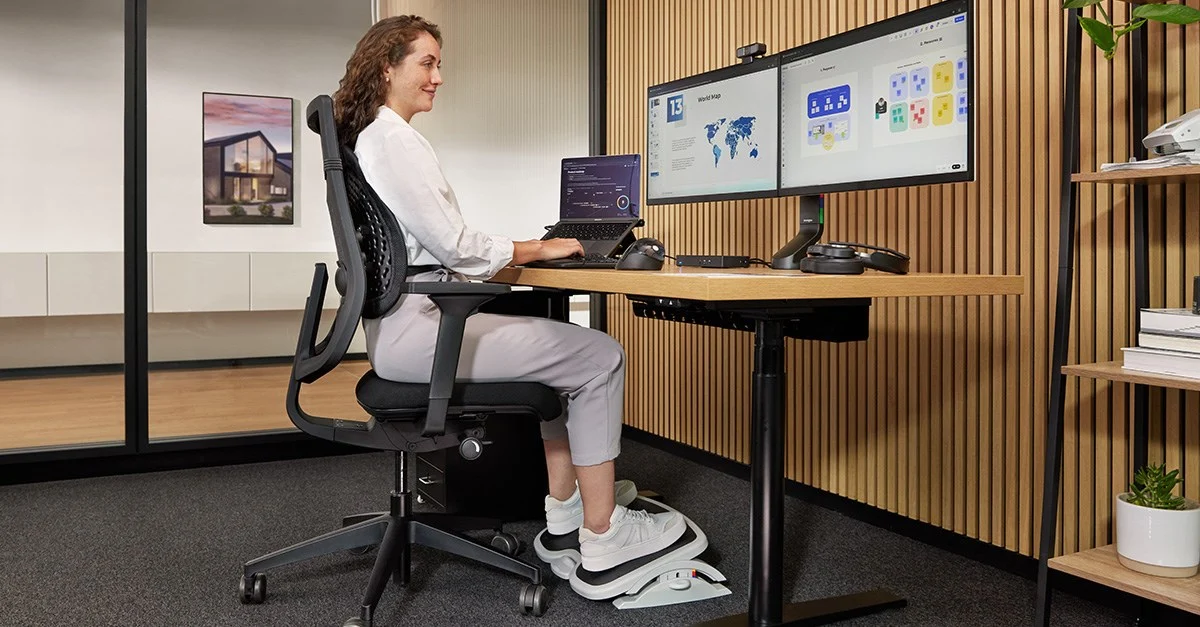
Use the pair as a visual reminder to step back from the monitor after focused tasks. Changing distance often matters as much as changing angles.
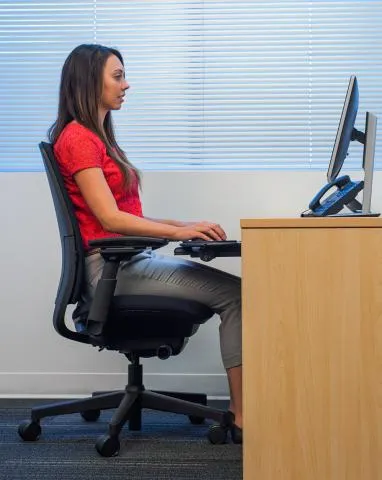
A gentle side lamp can reduce glare on matte displays without washing out text.
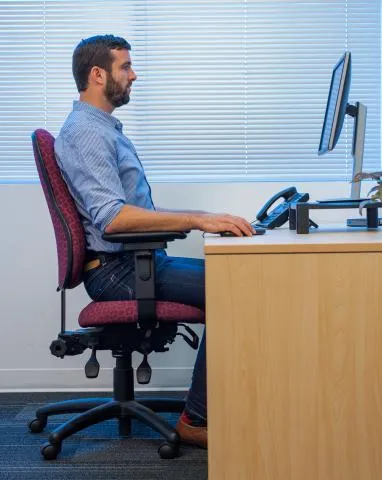
Alternate between screen and paper tasks so posture shifts naturally during the day.
Full-width canvases anchor the rhythm of the layout while panels of text float forward. Images are cropped with care so details do not overpower the typography.
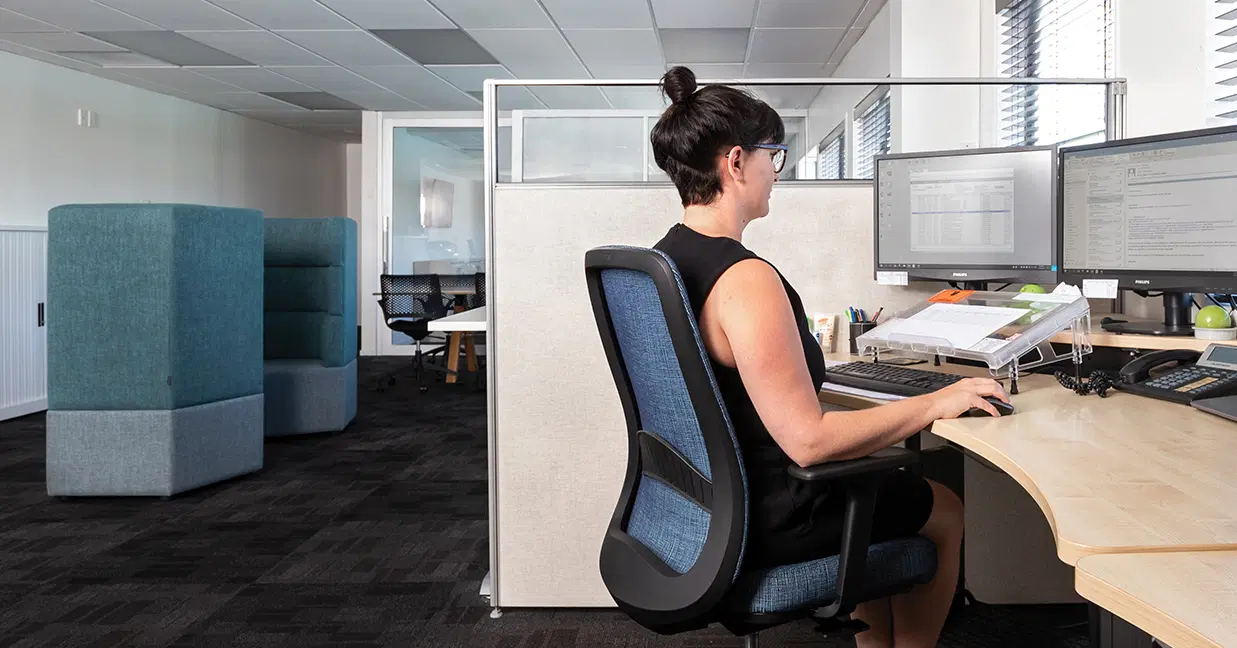
Posture is dynamic. If you want a structured walkthrough, open the spine map or send a note through the contact page. We respond during standard New Zealand business hours.